For solo founders and their agents
Your dev environment, replicated in the cloud
Your code, tools and logins sit on a machine of its own, where agents run with full permissions and nobody approves commands one by one. Snapshot it as you go, and you can put a wrecked machine back in minutes.
Your laptop holds your repo and your private things: SSH keys, cat.jpg and a tax return. Your cloud machine runs the app’s Postgres database (3,532 rows of job listings) and node v24.20.0, and has a nightly snapshot from 03:00. repose run copies only the repo to it. There Claude Code, in bypass permissions mode, edits .env.example and poller.ts and writes a test, and you take a snapshot with repose snapshots create at 21:25. Then the agent pulls in a malicious skill from the internet and turns rogue: its uncommitted edits are discarded, the database is emptied to 0 rows and node is no longer found. The skill’s attempt to reach your laptop stops at the machine’s wall. The machine is stopped, which takes one more snapshot, and restored from the 21:25 one: the edits, all 3,532 rows and node are back, and the agent starts again.
Your laptop's setup, in one command
You spend an hour setting up a cloud box: install the CLIs, log in to GitHub, paste the .env files. repose run copies all of it from your laptop.
Two source control panels side by side, your laptop and your cloud machine. On the laptop, branch fetch-timeout has 2 new commits, 2 modified files (.env.example and poller.ts), an untracked timeout.test.ts and a gitignored .env; its node_modules folder is struck out and stays behind. After repose run, ready in 16 seconds, the cloud machine shows the same branch, the same commits, the same two modified files and untracked test, and the same .env. An agent on the machine then commits "Retry fetchBoard once", and git fetch repose brings that commit to the laptop as repose/fetch-timeout.
On every machine
Your cloud machine holds more than the repo: 578 tracked files in apps and packages, 3 files of uncommitted edits, 3,532 job listings in Postgres, pnpm 10.30.3, a PATH of 28 directories, and gh and Codex logged in. It has a nightly snapshot from 03:00, and at 21:25 you take another. The agent wrecks the machine: the files, the edits and the listings drop to zero, pnpm is not found, PATH is broken and the logins are gone. git brings back only the 578 tracked files. Restoring the 21:25 snapshot brings back everything else: the uncommitted edits, all 3,532 listings, pnpm, PATH and the logins.
your cloud machine- apps/ packages/ 578 files
- uncommitted edits 3 files
- job listings 3,532 rows
- pnpm 10.30.3
- PATH 28 dirs
- gh, codex logged in
03:0021:25Let it break the whole machine
repose snapshots the machine nightly, and you can take one yourself any time. Restoring it brings back the databases, logins and uncommitted work in minutes.
The machine's ports on your localhost
Ports from 1024 up, while
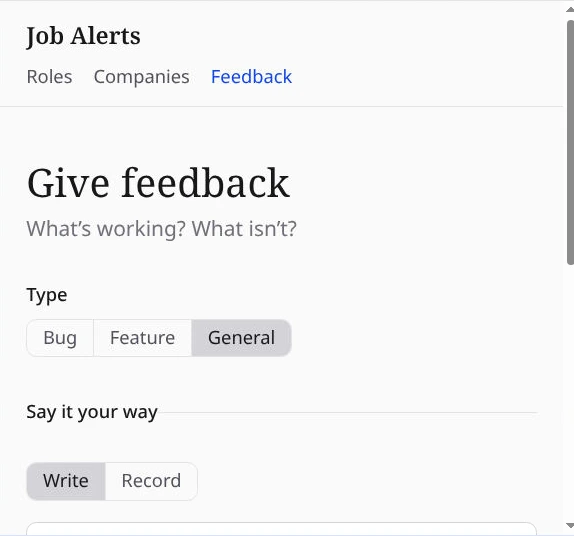
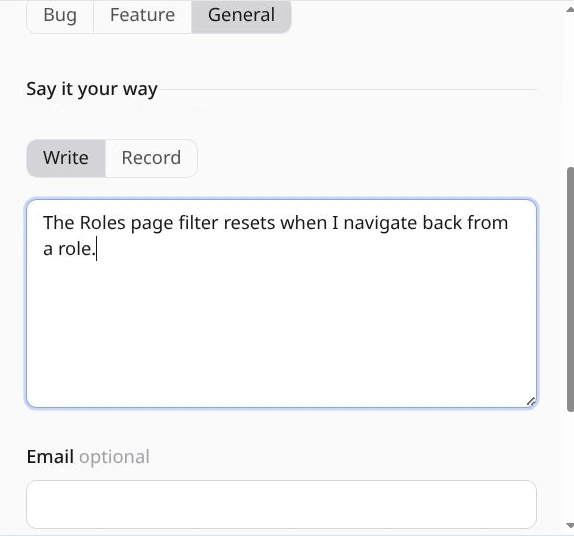
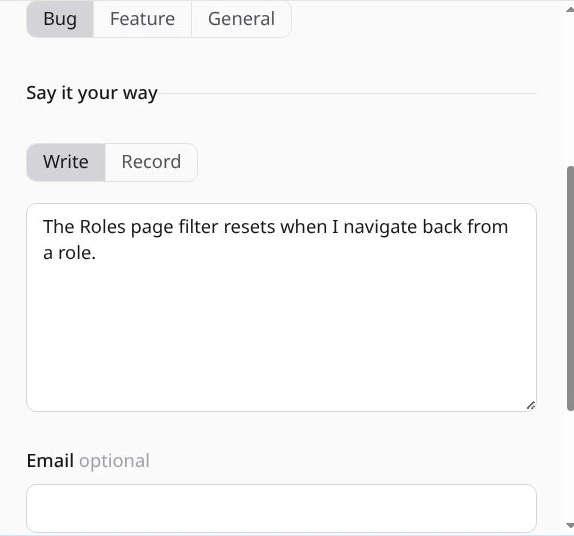
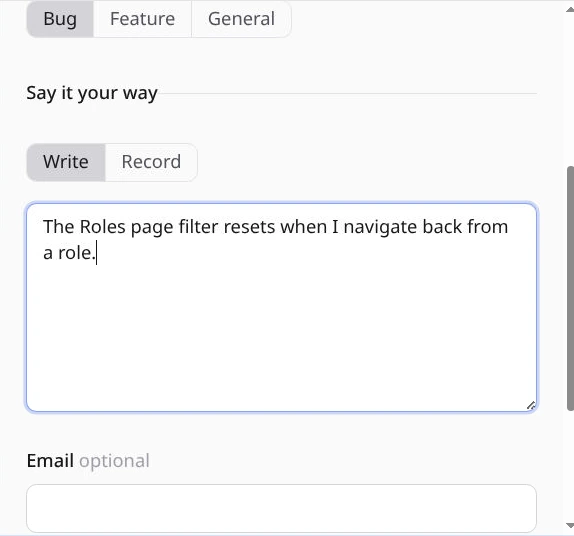
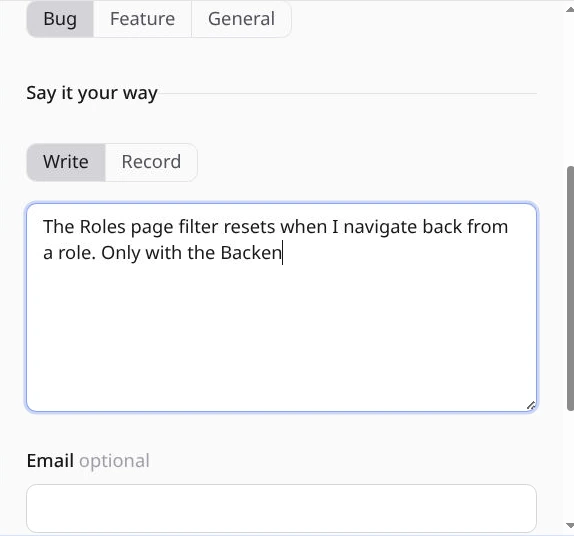
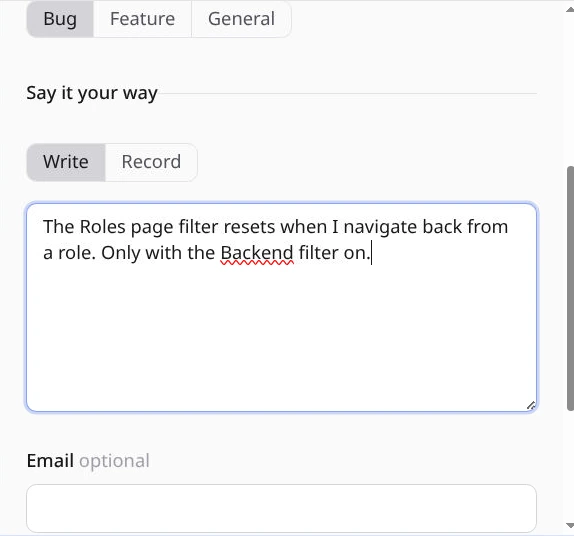
repose runis open. Cookies and OAuth redirects behave as they do locally.The agent opens the app's feedback page, types a bug report into the text box, reads the console (0 errors, 0 warnings) and clicks Bug; each Playwright call in the log changes the page above it. Then repose browser shows the same browser on your laptop, and your pointer clicks into the text box and adds a sentence.
Watch the agent's browser, and take over
repose browsershows the agent's Chromium on your laptop; click in it to take over.- your cloud machine
Open it in your editor
Every machine is an SSH host. Neovim on it, VS Code, Cursor or Zed over SSH.




The agents you use, and the tools they need, on first boot
Start in three commands
Install the CLI
$ curl -fsSL https://repose.herakraft.co/install.sh | sh Sign in
$ repose loginRun in any checkout
$ cd ~/code/ your-project && repose run
Pricing
Launch prices. Seven days free.
Solo
8 GB running at once
100 GB disk · 250 GB egress
$49$39 a monthFirst 12 months, first 30 subscribers
Plus
16 GB running at once
250 GB disk · 500 GB egress
$89 a month
Pro
32 GB running at once
500 GB disk · 1 TB egress
$169 a month